
Ozwin mobile login on Android and iOS
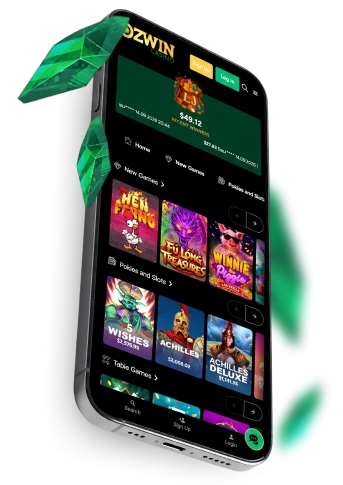
Ozwin mobile login starts in your phone’s browser. Open our site on Android or iOS, select Log In and enter the details for your existing account. There is no casino app to install, so you can go straight to the browser rather than looking for a download. Australian law prohibits providers from offering online casino-style services to people in Australia; this page does not establish access or eligibility to play.
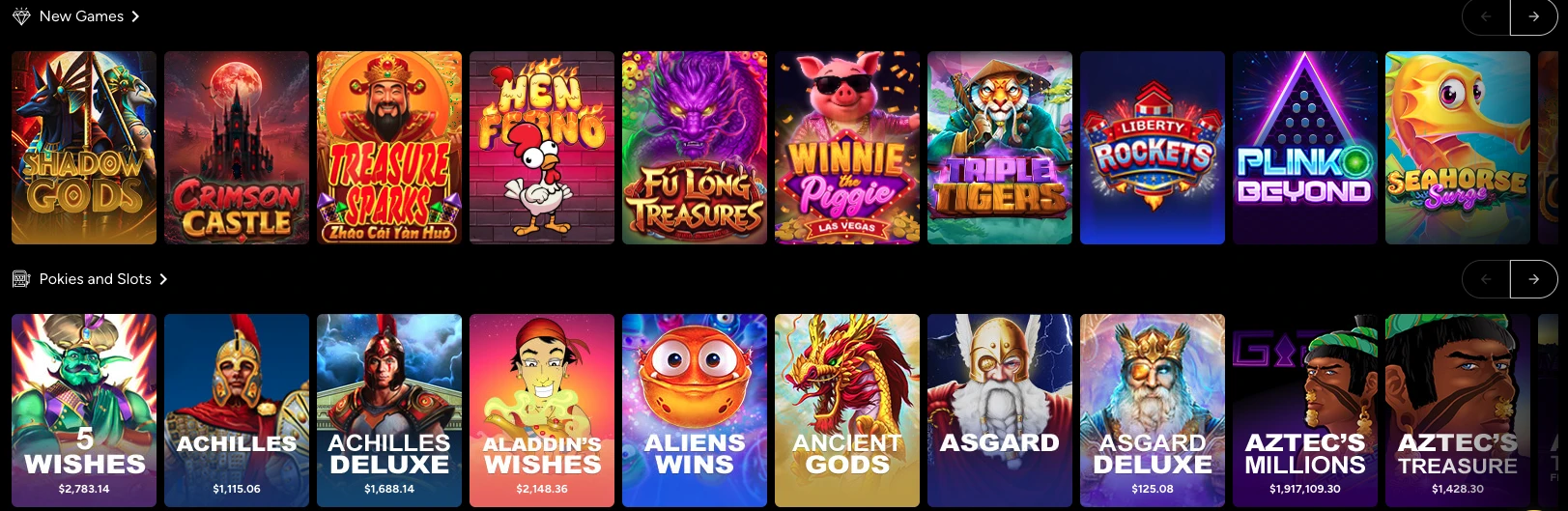
Ozwin casino mobile login on Android and iOS
Use Ozwin casino mobile login when you already have an account. Our site has separate Log In and Sign Up controls; choose Log In to access the account you use, not Sign Up to create another one.
- Open the Ozwin site in a browser on your Android or iOS phone.
- Select Log In and enter your existing account details.
- Submit the sign-in form.
Once you are signed in, you can use your account on mobile. For the wider distinction between signing in and creating an account, the Ozwin login australia overview covers both routes; the steps above are for an existing account on a phone.
Ozwin mobile login australia through a browser
For Ozwin mobile login australia, use the website in your mobile browser: we offer instant play on Android and iOS phones and tablets, without a casino app. Any browser works for instant play, so an app-store listing or installation step is not part of this sign-in route.
If you want to try games without placing a real-money bet, the account requirement differs by device. Mobile demo play uses an account and Practice Mode; on desktop, demo play is available while logged out.
Fixing a mobile sign-in problem
If mobile sign-in fails, start with your account details and connection before contacting support.
- Recheck your account details and password for typing errors, extra spaces or an unintended keyboard setting.
- Check your connection, then reload the page or reopen the browser and try again.
- If you have forgotten your password, use an account-recovery option only if the sign-in screen offers one; otherwise contact support. Do not open a second real-money account to regain access: our terms limit you to one per player name, and duplicate accounts may be closed or merged with related winnings voided.
If those checks do not resolve access, email and LiveChat support are available 24/7. The stated email response target is 24–48 hours, not a guaranteed time to restore access. Tell support whether the problem is an incorrect-details message, a page that will not load or a forgotten password, so they can address the issue you have.
A document request is a separate task. On mobile, the verification route is the burger menu, then Withdraw and Account Verification, where you can upload documents; requirements may vary by account and deposit method. Ozwin casino account verification explains that process if you can access your account but need to provide documents.
FAQ
Do I need an app to sign in on mobile?
No. The documented access is an Android or iOS browser; no native casino app is offered.
Can I use mobile Practice Mode without an account?
No. Mobile Practice Mode requires an account; desktop demo play works while logged out.
What if no recovery option is shown?
The supplied route does not specify a password-reset screen. Contact 24/7 LiveChat or email support about access to the existing account.